⚠️
501 Error? Here's How to Fix It!
Wafid.com has blocked your IP. Use a VPN to fix it in 4 simple steps.
1
Install Psiphon VPN
Go to Play Store / App Store and download Psiphon VPN

2
Select India as Server
Open the VPN app and choose India as your server location.
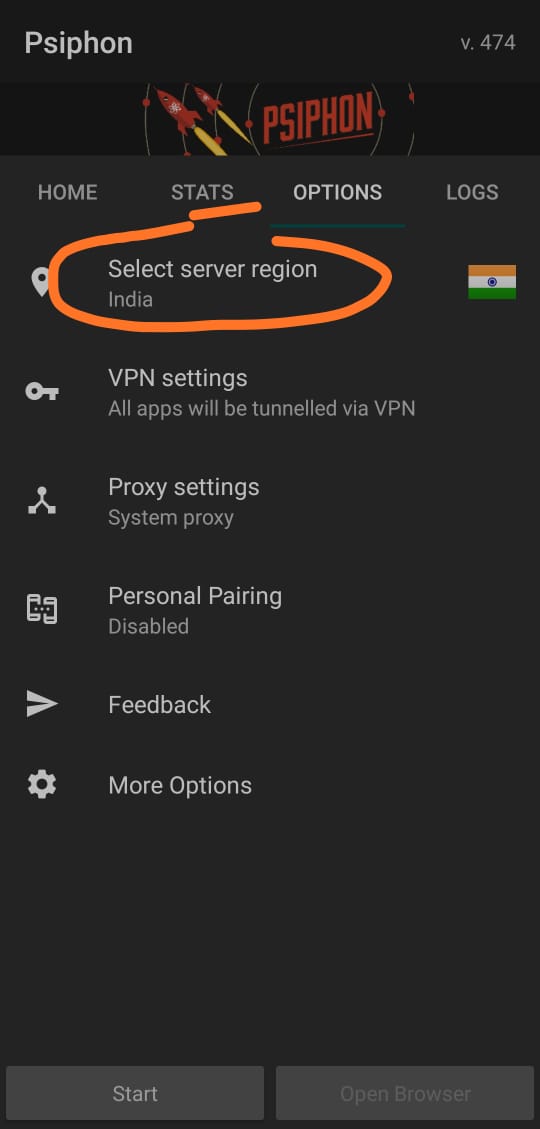 Select India as Server
3
Start the VPN
Tap the Start button to begin the VPN connection.
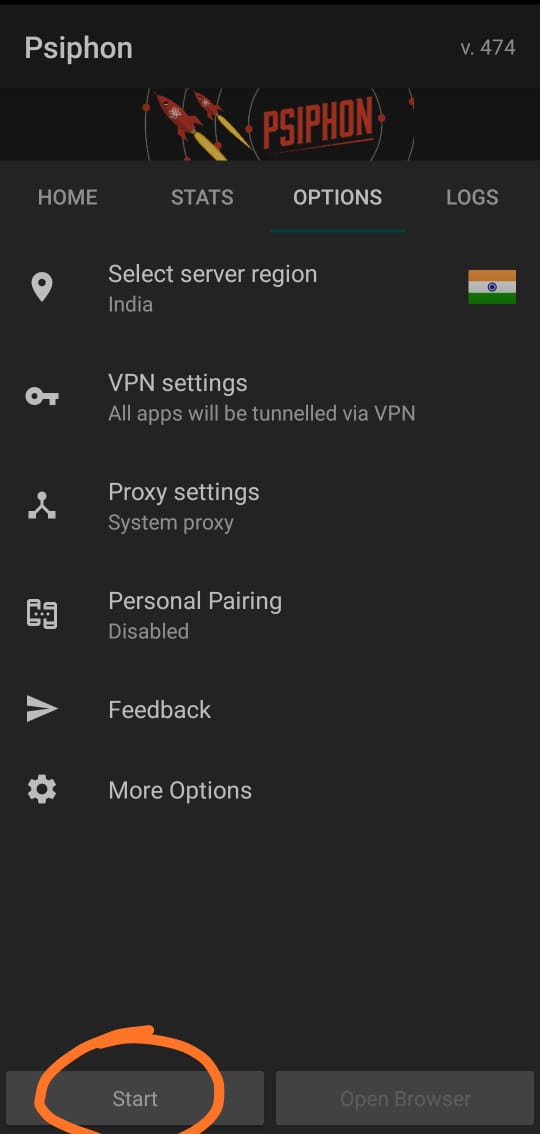 Start the VPN
4
VPN Connected - Refresh Wafid
Wait for the VPN to connect successfully, then refresh Wafid.com and continue filling your form.
▶️ Watch the complete VPN setup tutorialTip: If the VPN is on but you still get the 501 error, try turning it OFF and refresh the page.
Done! Refresh the page and your form should work perfectly!